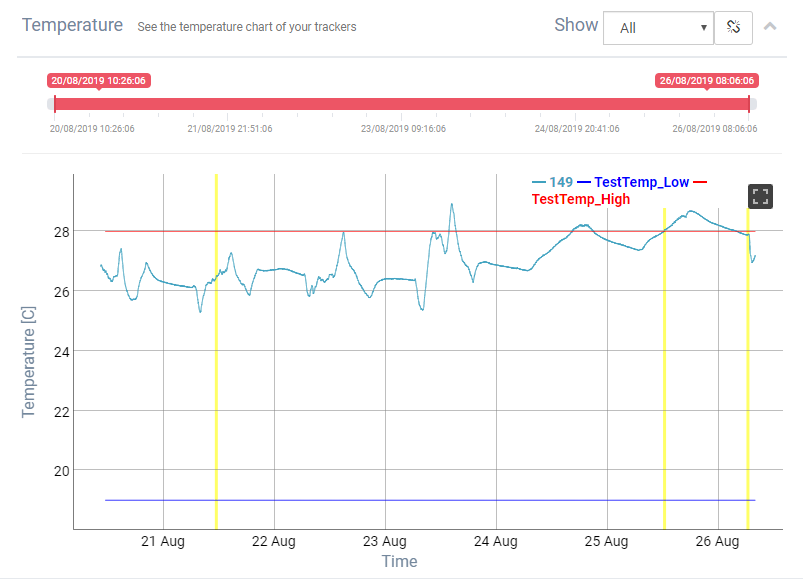
Temperature
See the temperature chart of your trackers
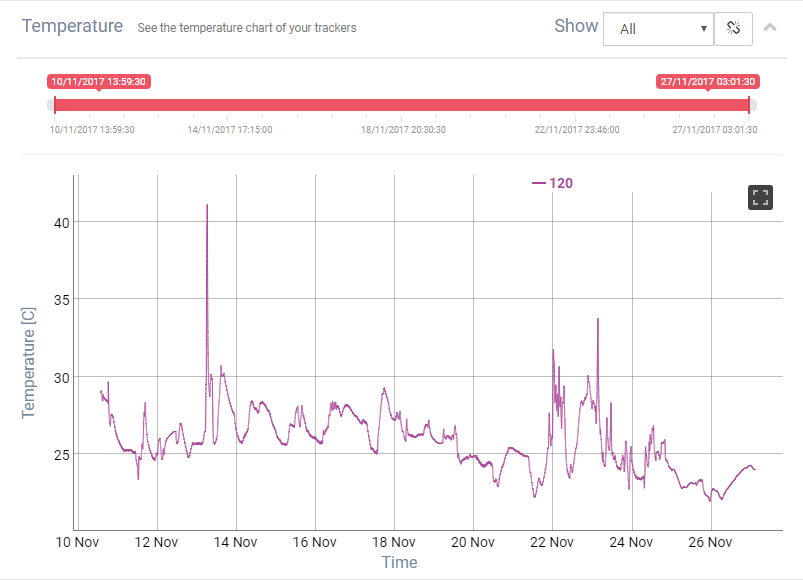
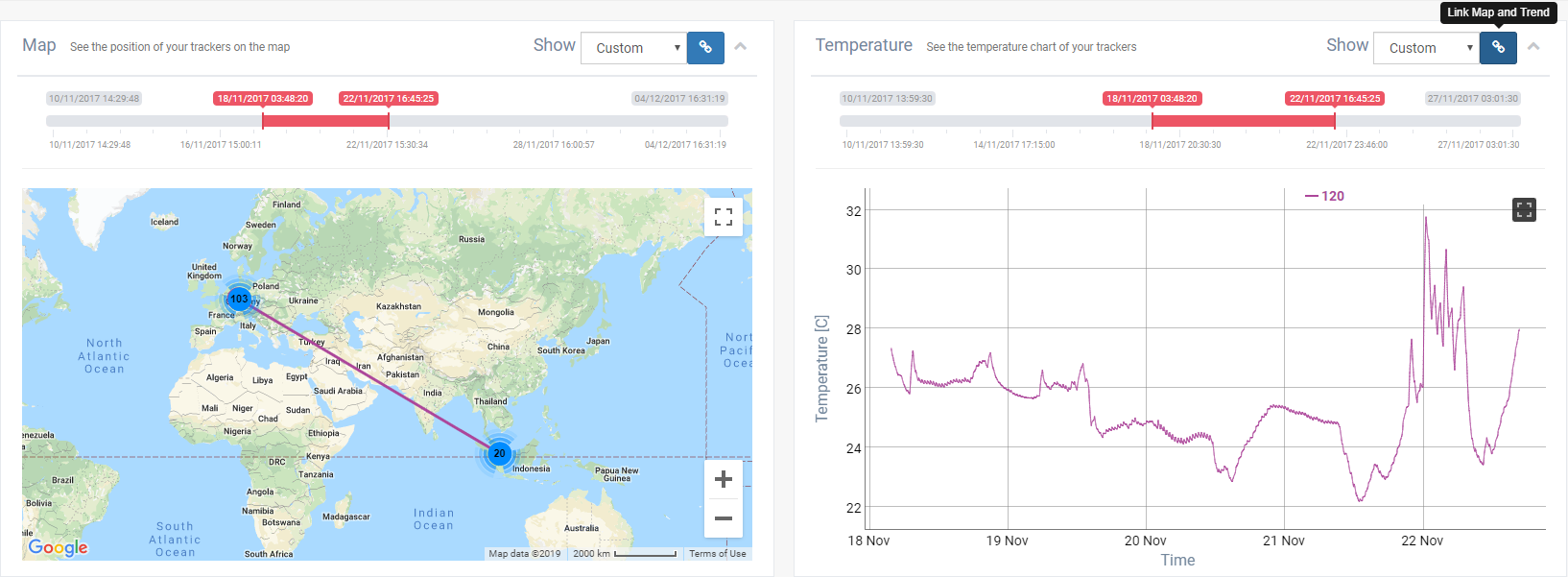
We can select to see on the Temperature only the trackers temperatures from a defined period of time:
- last week
- last day
- last hour
- or custom

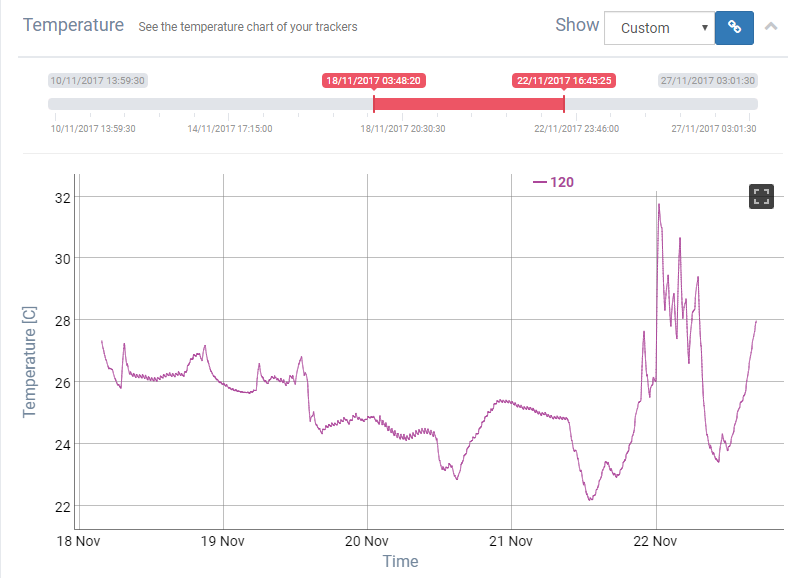
We can see on the Temperature trend the period selected, or we can link also the map on the same period.
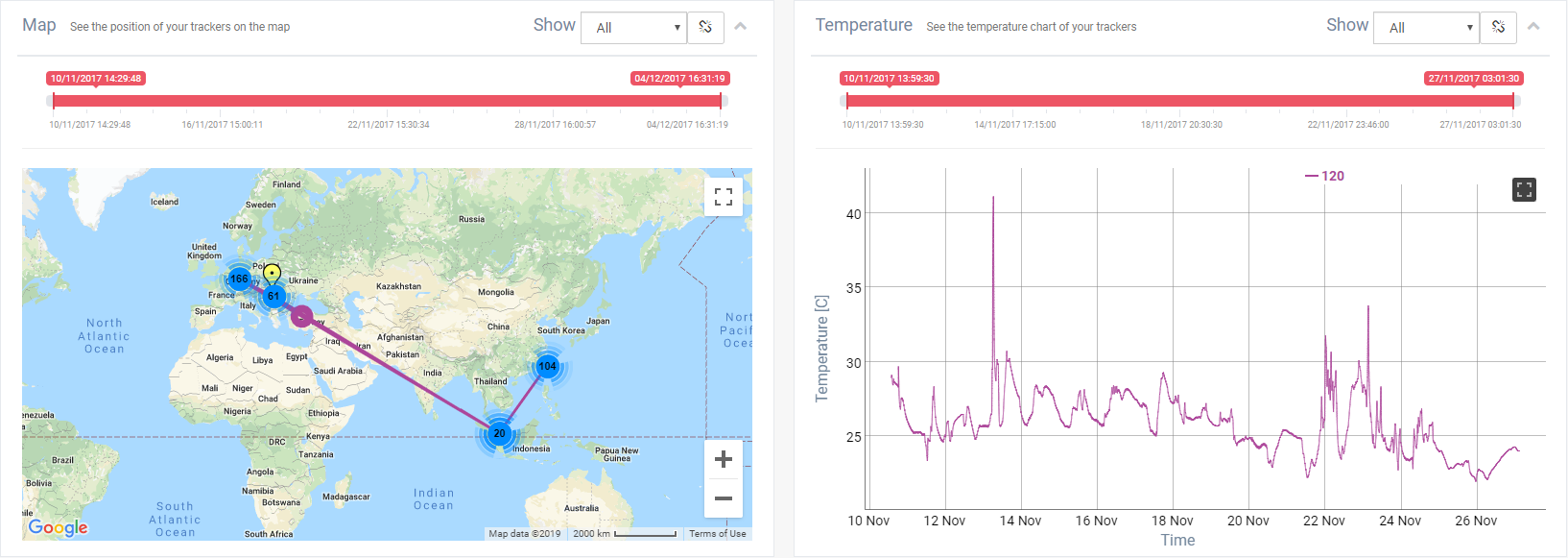
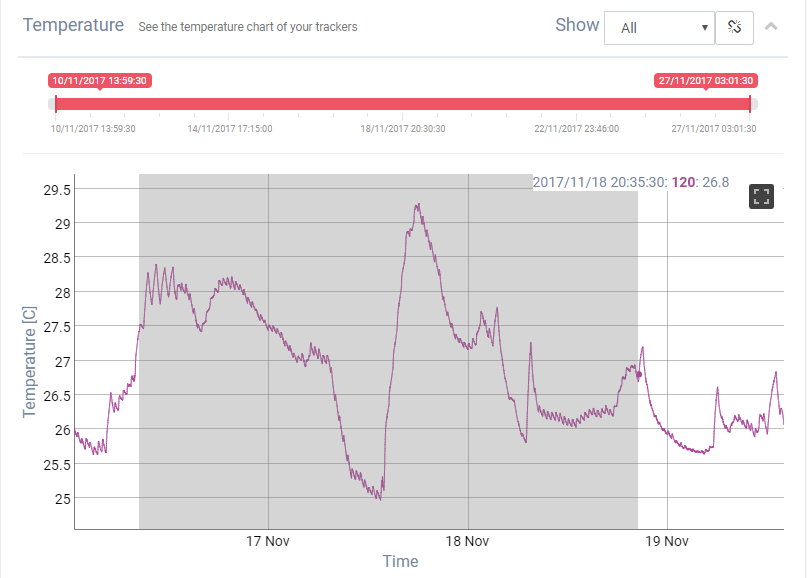
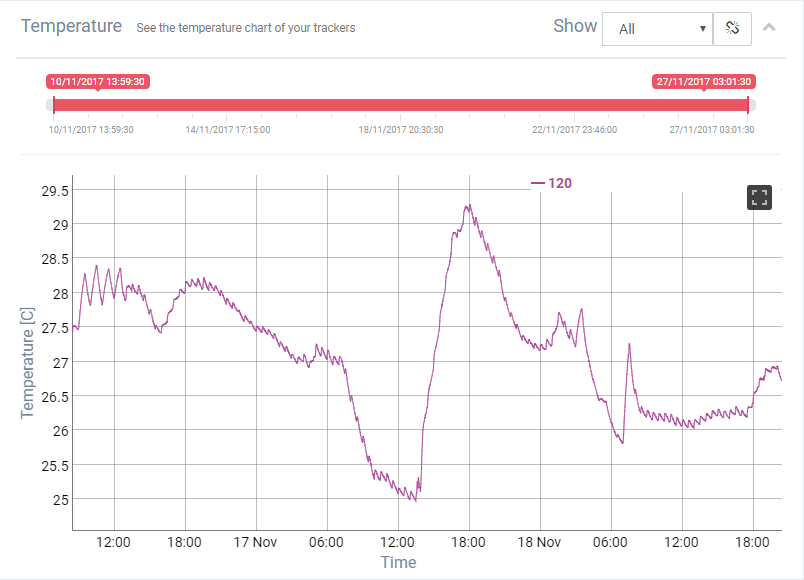
Zoom on trend
 |
 |
If the trackers have configured temperature alarms, the low limit and high limit of the alarm appears on Temperature trend.

When the alarm is selected on the trend appears a yellow line that mark the moment of the alarm.