
Map
See the position of your trackers on the map
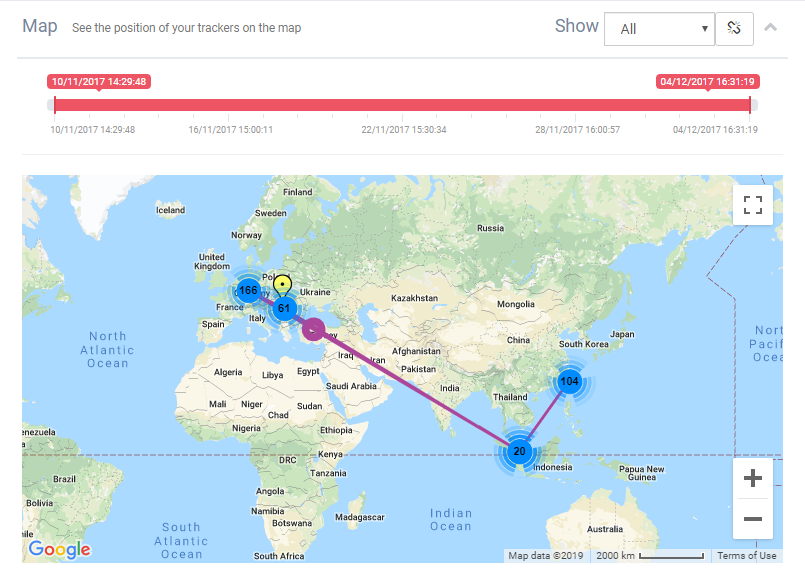
The position points appears grouped by google clustering algorithm.
We can select to see on the map only the route from a defined period of time:
- last week
- last day
- last hour
- or custom

For "Custom", adjust the coursors by dragging from left to right and vice versa.
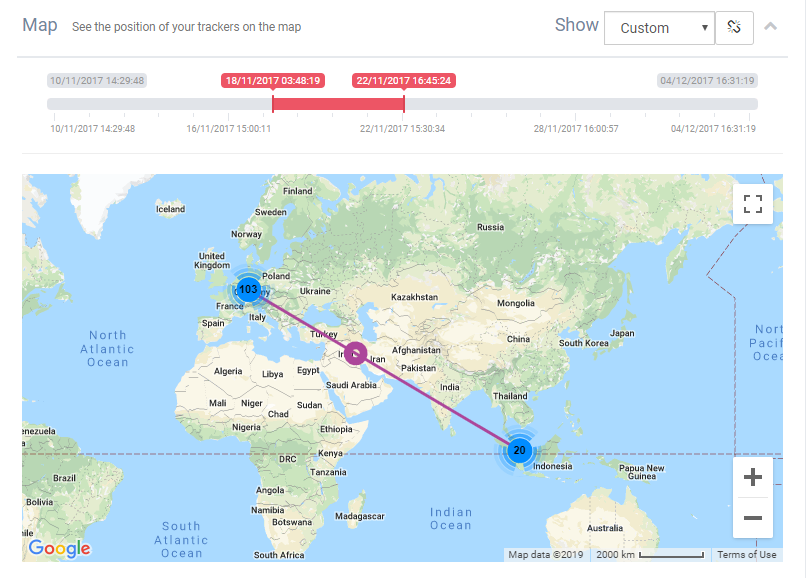
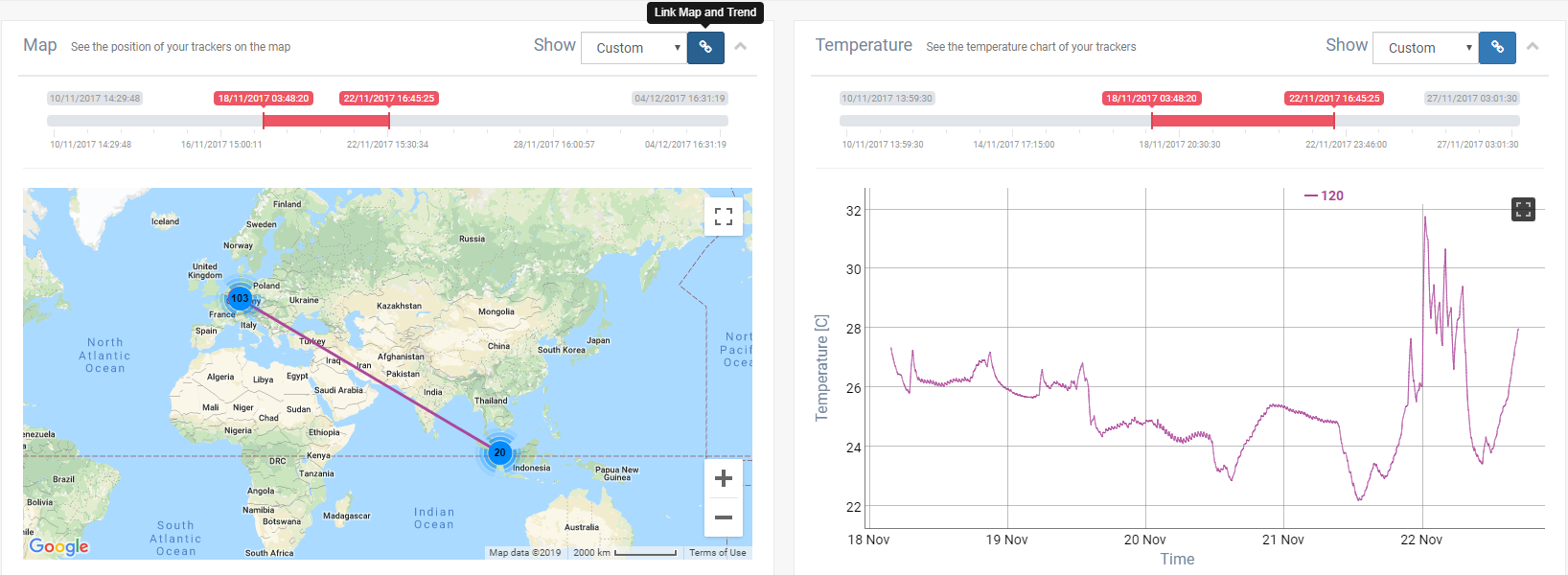
We can see on the map the period selected, or we can link also the trend on the same period.
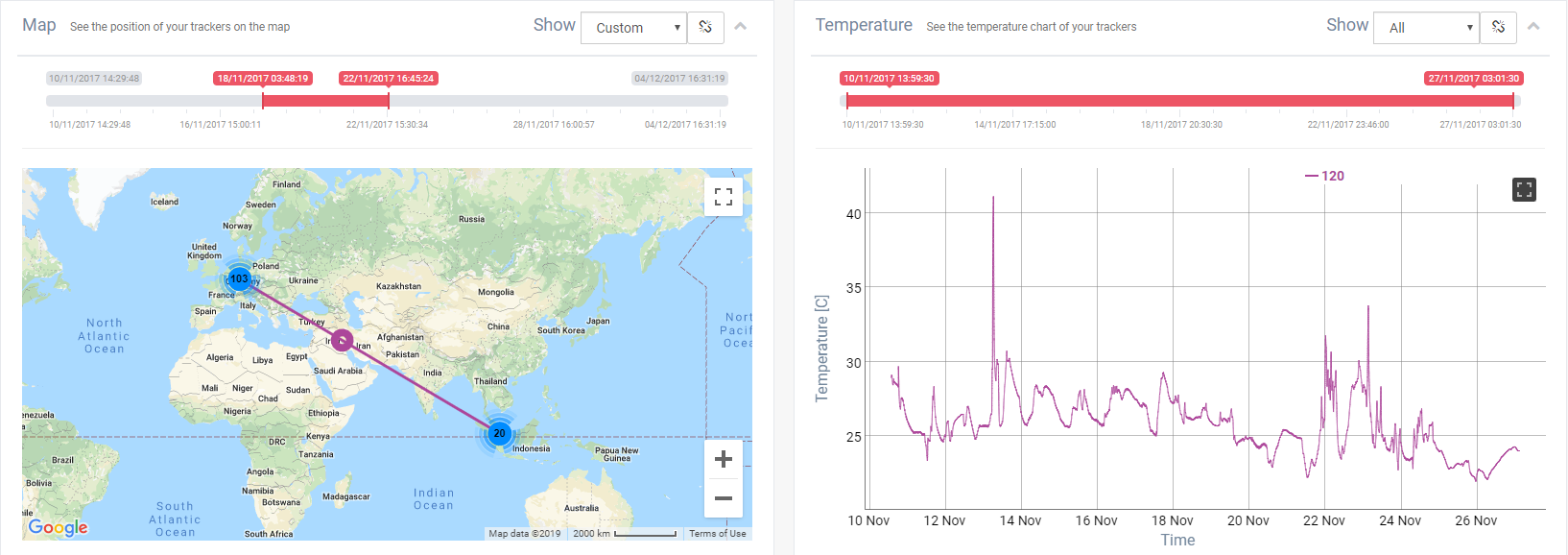
Link the Temperature trend on the same period.
The points on the map:
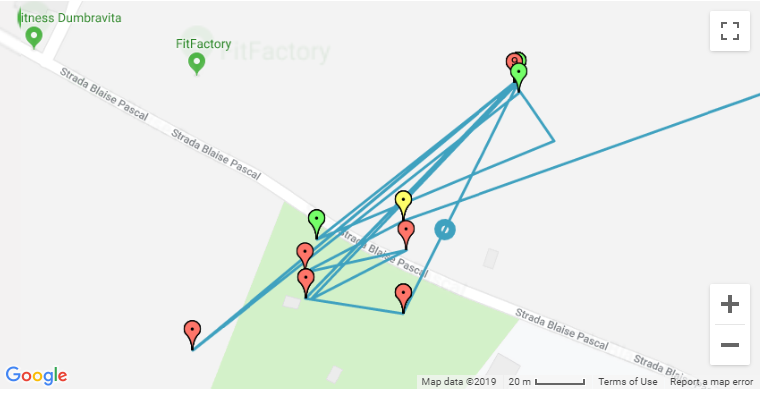
 Position point registered
 Last position point registered
 Position point with alarm registered